




Connected When It Counts
IoT SIMs for Security &
Alarm Systems
Discover how our IoT SIMs play a central role in modern security.
Discover how our IoT SIMs play a central role in modern security.
Security That Keeps Working No Matter What
IoT SIMs have become the connectivity backbone of modern security and alarm systems for one fundamental reason: independence. Unlike broadband or fixed-line connections, an IoT SIM operates on a completely separate network path, meaning that if a burglar cuts the internet cable, jams the Wi-Fi, or a network outage strikes, the alarm keeps transmitting and the monitoring centre keeps receiving.
Security That Keeps Working No Matter What
IoT SIMs have become the connectivity backbone of modern security and alarm systems for one fundamental reason: independence. Unlike broadband or fixed-line connections, an IoT SIM operates on a completely separate network path, meaning that if a burglar cuts the internet cable, jams the Wi-Fi, or a network outage strikes, the alarm keeps transmitting and the monitoring centre keeps receiving.
IoT SIMs for Security Systems
Independent. Resilient. Always transmitting. When broadband fails, gets cut, or goes down, your IoT SIM keeps your security connected; automatically, instantly, without exception. CLICK on the icon to see how.

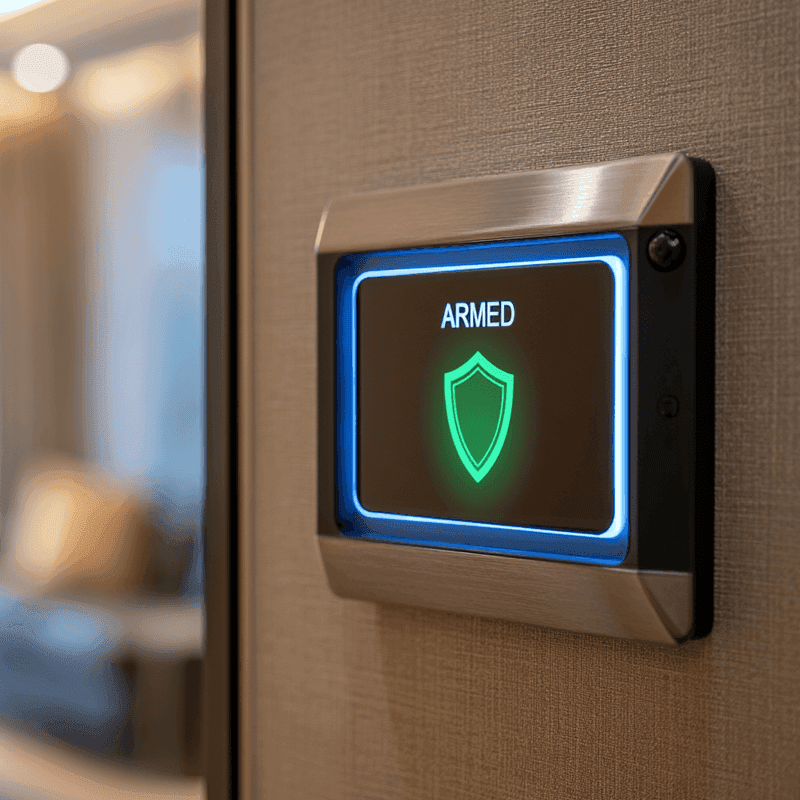
Burglar Alarms
The communication path between an alarm panel and monitoring centre is the first thing a sophisticated burglar will target.
Our Solution
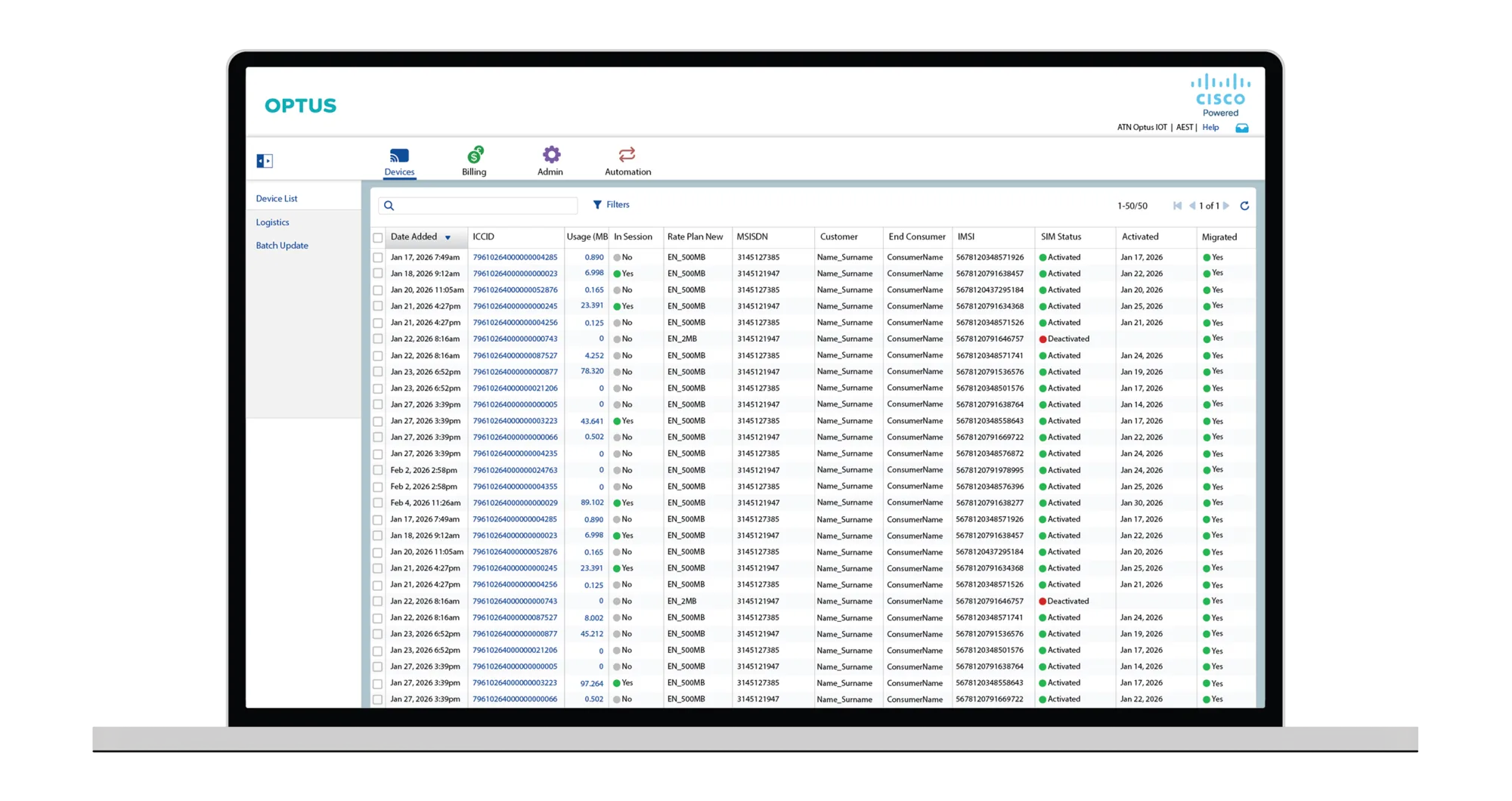
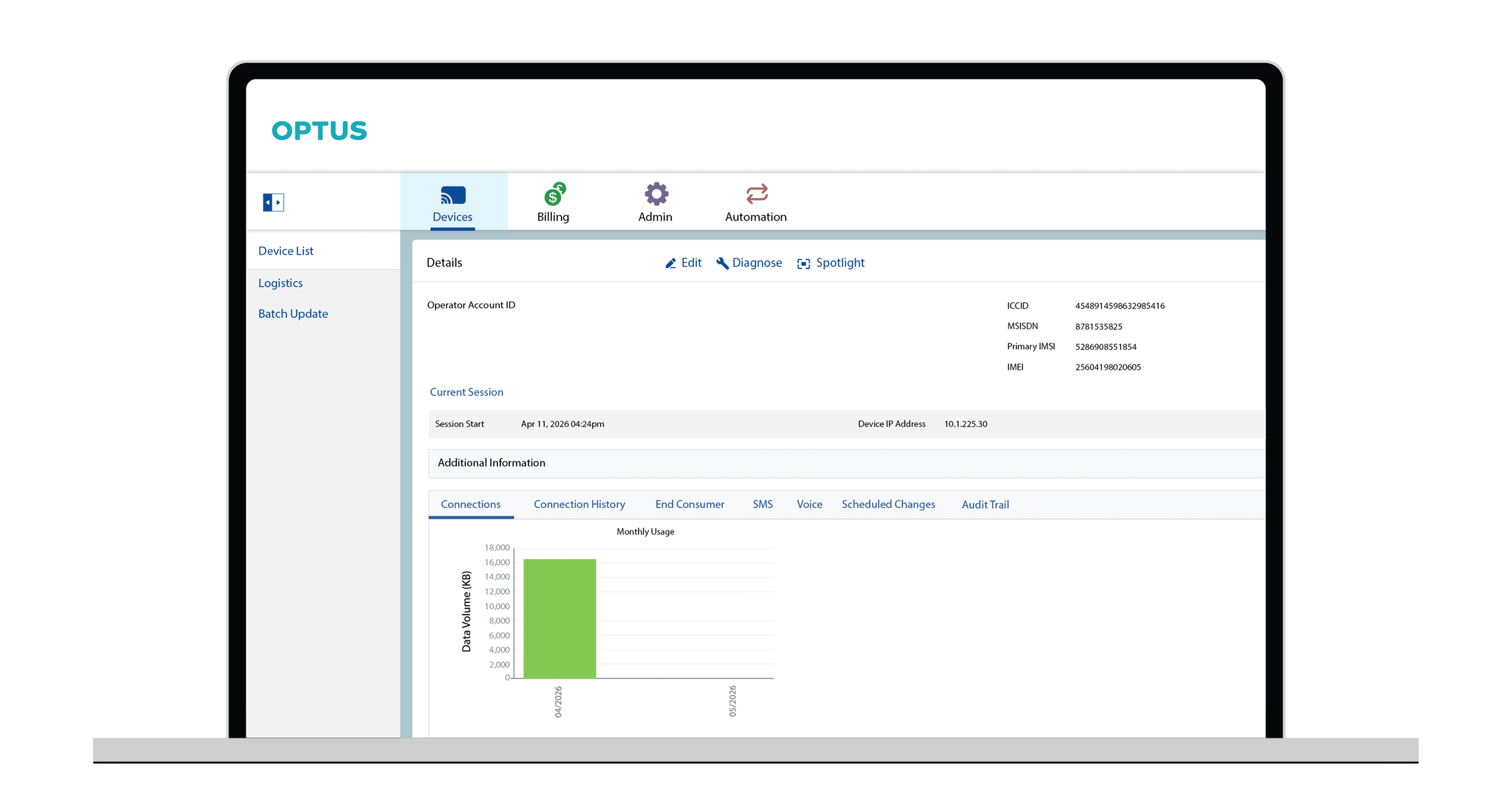
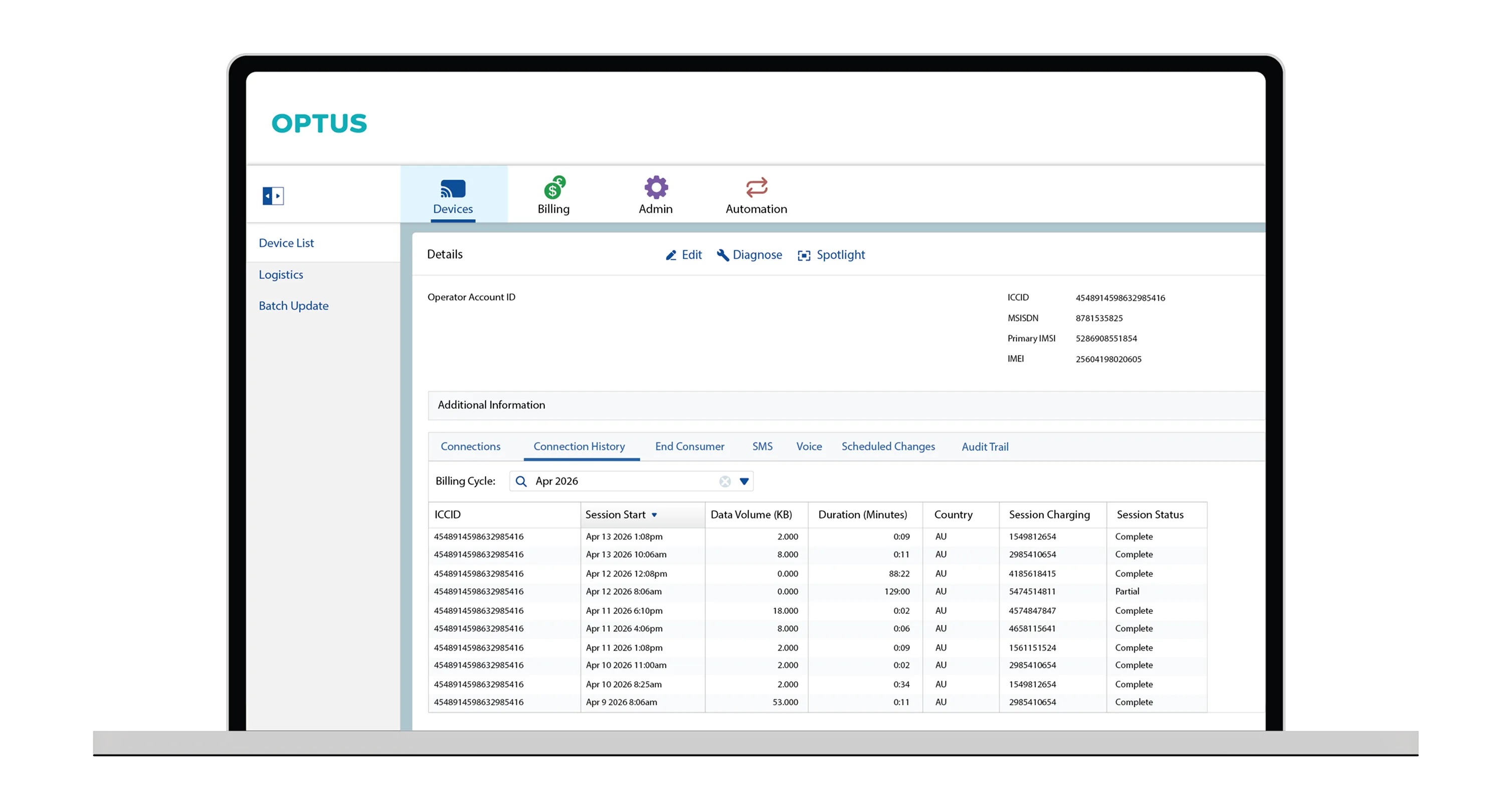
Optus Cisco IoT Control Centre
Accounts with 10+ IoT SIMs come with access to the Optus Cisco IoT Control Centre (Jasper). It’s the same enterprise platform trusted to manage 300M+ connected devices worldwide. Monitor usage, automate alerts and manage your SIMs in real time.
Real-Time Visibility
See every device in one place.
View your entire SIM fleet from a single device list including usage, session status, rate plan and activation date, all sortable and filterable. Spot a problem before your customer does, no spreadsheets required.
- Live Usage And In-Session Status Per SIM
- Filter, Sort, And Search Across Thousands of Devices
- Instant Status: Activated, Deactivated Or Migrated


Your IoT Data Stays in Australia
Many IoT SIMs sold in Australia are foreign-based products simply roaming local networks, meaning your mobile data takes an unnecessary trip overseas.
Our Optus IoT SIMs keep mobile data onshore, so it never leaves the country.

Frequently Asked Questions
Everything you need to know about UCOM IoT SIMs for alarm systems.
An IoT SIM gives your alarm its own communication path, separate from the building's broadband. If an intruder cuts the internet cable, jams the Wi-Fi, or the network goes down, your alarm keeps sending signals to the monitoring centre.
Both. Some sites use the IoT SIM as the alarm panel's main connection, especially where there's no fixed broadband. Others use it as a backup that takes over automatically if the broadband connection fails. Either way, alerts reach the monitoring centre when it matters.
Australia's 3G networks have closed, so alarm diallers and communicators that relied on 3G need to be upgraded to a 4G-capable device. Once upgraded, your system can use a UCOM IoT SIM. Your alarm installer or monitoring provider can help you replace the device.
UCOM IoT SIMs work with most 4G alarm communicators, security cameras, access control systems and fire panel diallers that take a SIM card. Not sure if your device is compatible? Call 1800 008 266 or send us an enquiry, and one of our IoT specialists will assist.
Yes. UCOM IoT SIMs support data, SMS and voice (selected plans), so they work with systems that send data to a monitoring centre, text alerts to your phone, or make voice calls when an alarm is triggered.
Yes. IoT SIMs connect cameras on 4G and 5G wherever there's Optus coverage. That makes them ideal for construction sites, rural properties, car parks and temporary setups without fixed broadband. You can view footage remotely and get alerts without installing cabling.
It depends on the type of system: Alarm panels and fire diallers send small signals and use very little data. Access control systems use a little more, depending on how many doors and events they handle. Security cameras use the most, especially with live viewing or cloud video uploads. Most cameras keep data use down by recording locally and only uploading clips when motion is detected. Streaming live video around the clock uses much more data.
- IoT 50: alarm panels, fire diallers and backup connections.
- IoT 500: access control, gate controllers and larger alarm systems.
- IoT 2GB and 3GB: security cameras with motion-triggered uploads and occasional remote viewing.
Data is pooled across SIMs on the same plan. If your cameras need continuous live streaming, talk to our team first so we can recommend the right setup.
Any data used over your allowance is charged per MB at your plan's excess rate. With same-plan pooling, you're only charged excess if your whole pool goes over. You can also set usage alerts in the Control Centre to spot unusual activity early.
Yes. Accounts with 10 or more SIMs get access to the Optus IoT Control Centre, powered by Cisco Jasper. You can check every SIM's connection status and data usage, manage SIMs, and set automated alerts, all from one dashboard. This is especially useful for security installers and monitoring companies managing many client sites.
Yes. UCOM IoT SIMs connect directly to the Optus network rather than roaming through an overseas provider. Your alarm signals and video data stay onshore, with low latency, so alerts reach the monitoring centre quickly.
No. All plans are month to month with no lock-in and no minimum order. They suit permanent installations as well as temporary sites like construction projects and events.
Pick a plan from our IoT Data SIM webpage or book a demo to see how it works. Prefer to talk it through? Call 1800 008 266 and one of our IoT specialists will help.